Connecting your Google account
Associating your Google account with Free CRM allows you to access your Gmail inbox and send emails using your Google account, as well as import contacts and sync your Calendars.
The process itself is pretty simple. Under Settings, select the Accounts tab and then the Google Account tab on the left menu.
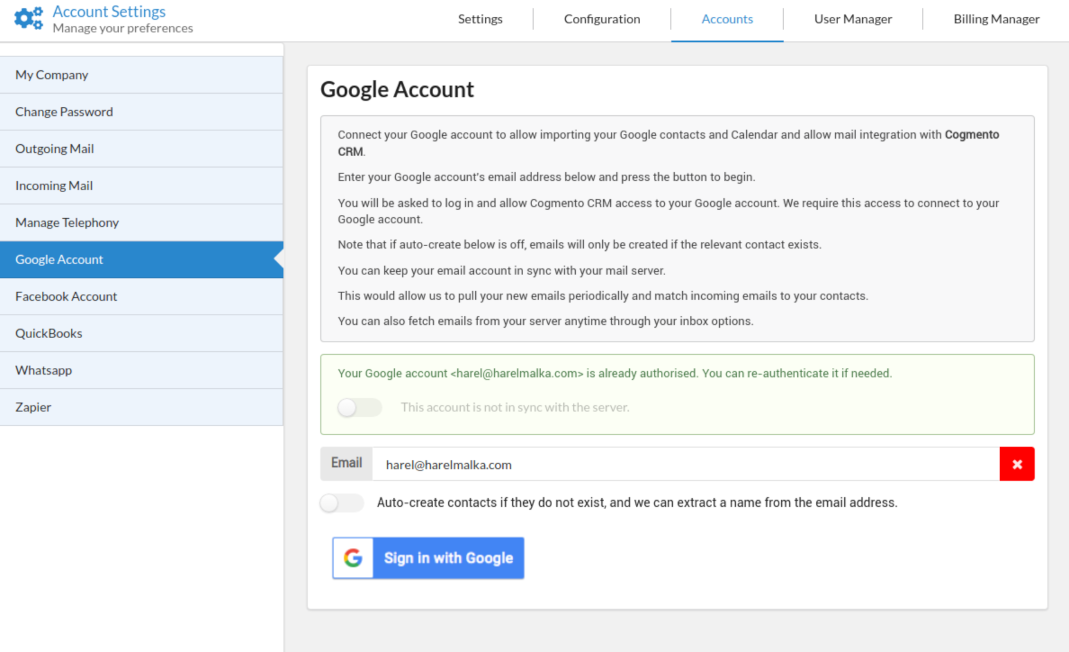
Enter your associated Google account email and click the Sign in with Google button. Follow the prompts, and that’s it.
When checking for incoming emails, the system will save emails if a contact already exists with that email. To auto-create contacts if they do not exist, tick the Auto Create box. Note that for that, we need to be able to extract a name and the address from the email.